Digital Science Teacher
Short science lessons built as a conversation
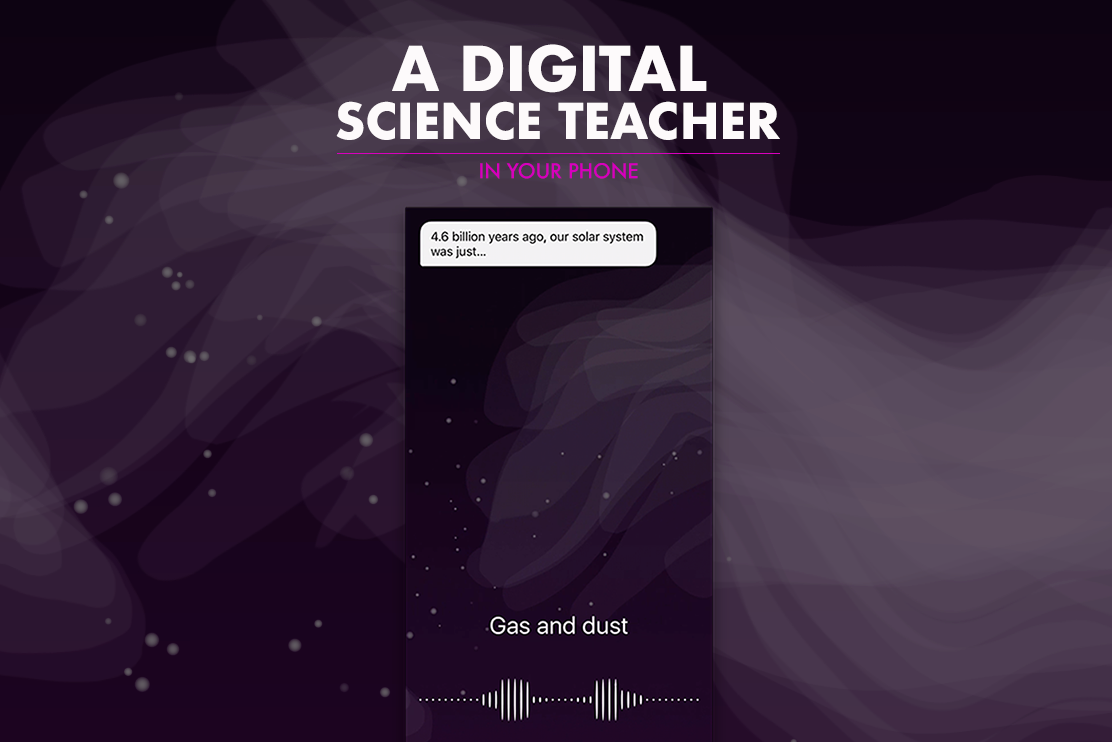
Digital Science Teacher was a Swift prototype for middle-school students learning on their phones. We tested short, interactive science lessons first as cards, then as a chat where students had more room to answer, ask for help, and take part in the lesson.
Role & Strategy
As co-founder and product designer, I took the idea from concept to a working Swift prototype. I designed the touch interactions and created custom animations in After Effects. Testing the card-based version exposed a problem: most of the screen belonged to the teacher. The chat version gave students more space to respond and tell the teacher when they were lost.
Start with why
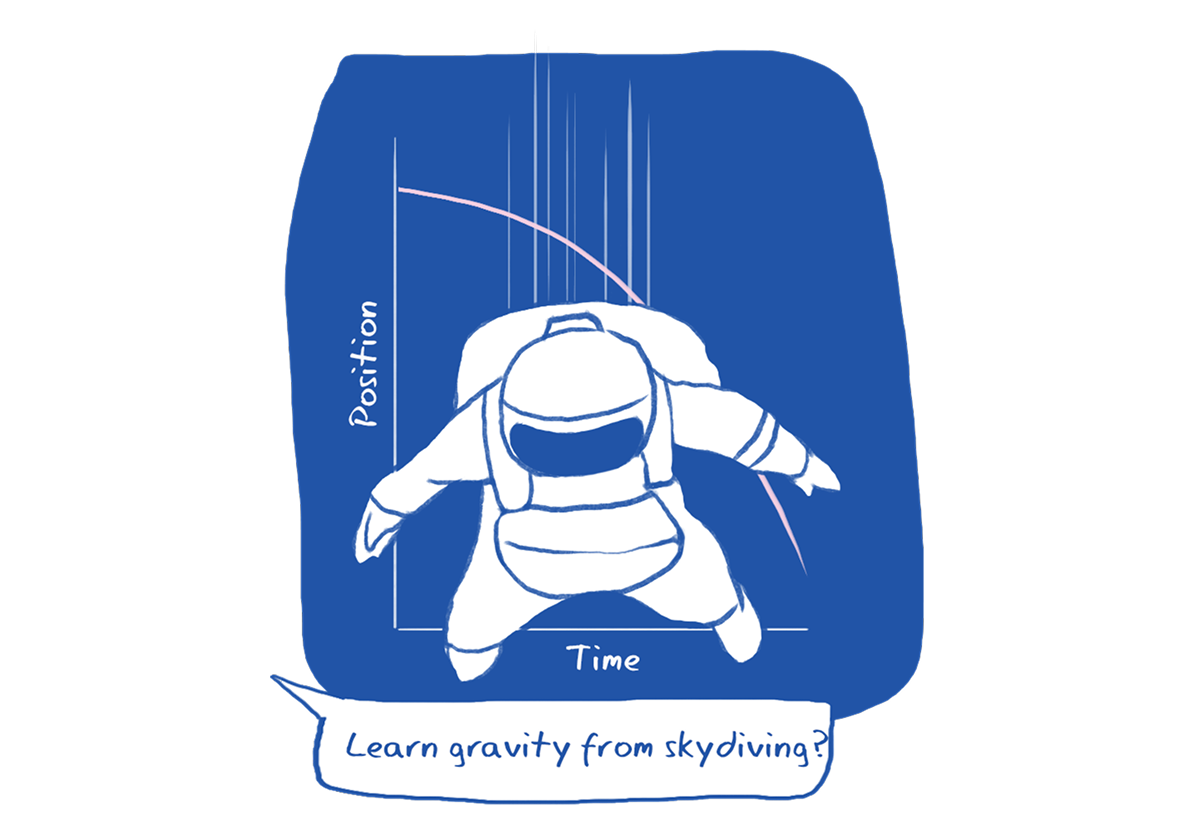
Most educational apps we looked at asked students to read or watch. We wanted to see whether a phone lesson could ask for a response at each step instead.
Small screen
Our target users were middle-school students, many of whom already had smartphones. We designed for touch first and used each student’s interests and progress to suggest the next lesson.
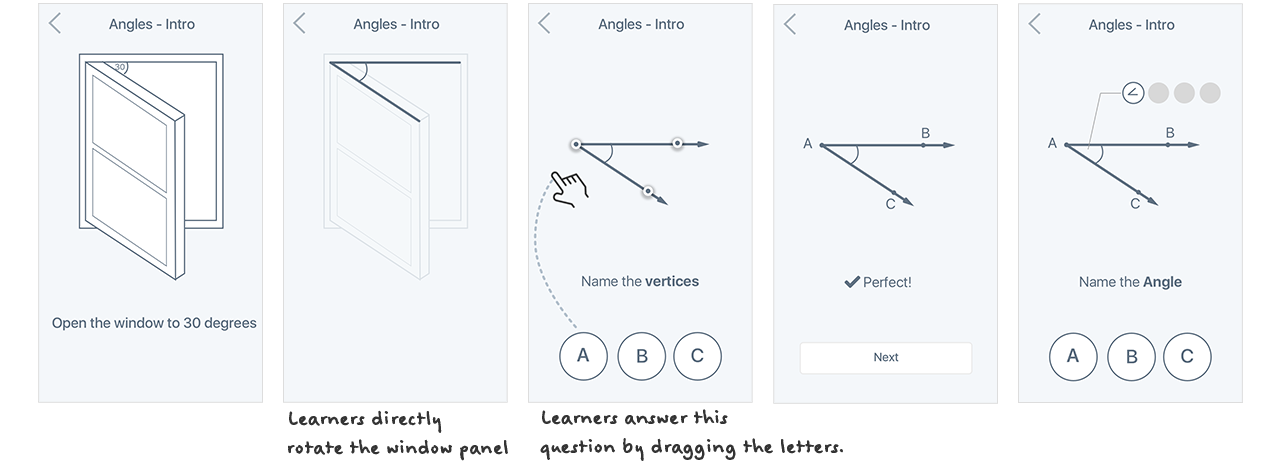
Card layout prototype
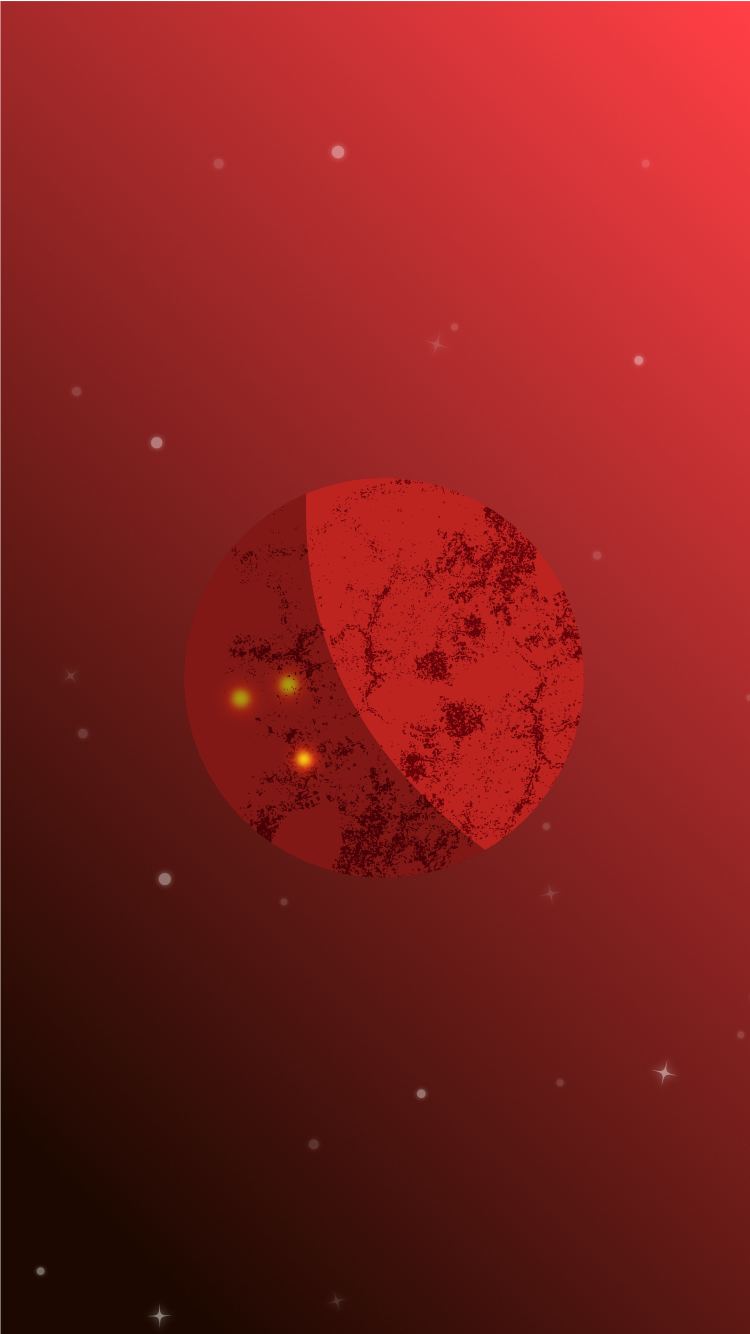
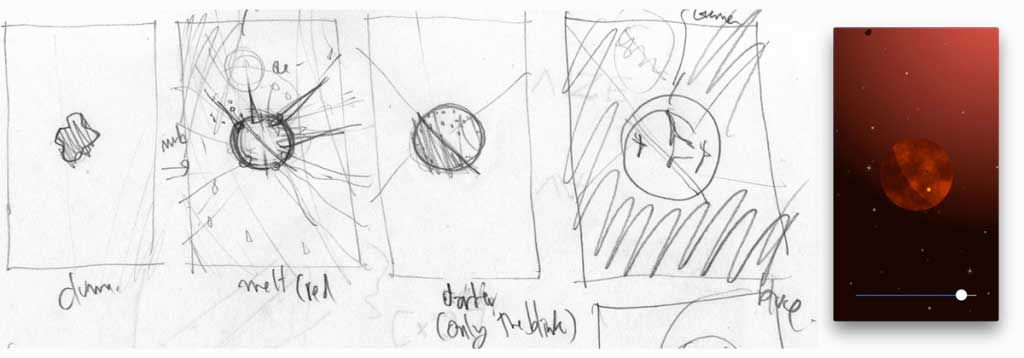
The first prototype used a stack of five to seven cards. Each card asked a question and required the student to interact before moving on.
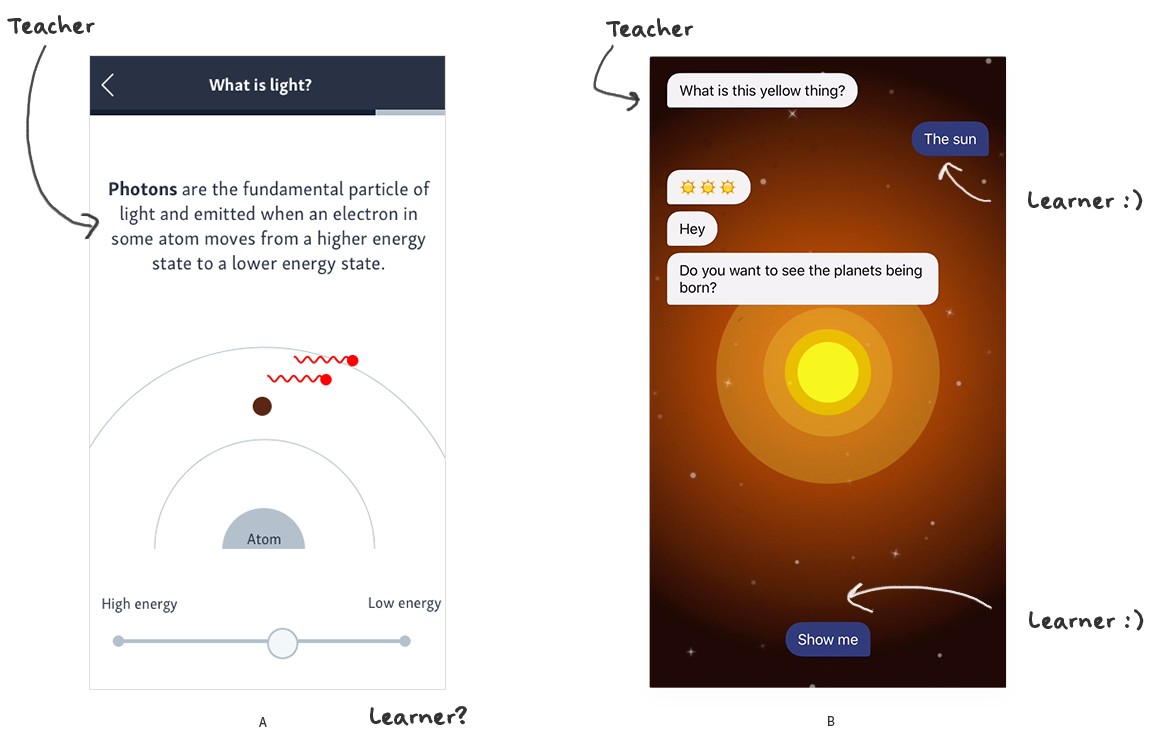
Card layout vs. chat dialogue
As we tried the card layout with more science topics, the cards filled up with explanations. The teacher’s content occupied most of the screen while the student’s contribution stayed small. In the chat version, student answers remained visible and students could ask for help when they lost the thread. The lesson felt more like an exchange than a sequence of prompts.