Open-ended questions for Kahoot!
Letting players type their own answers
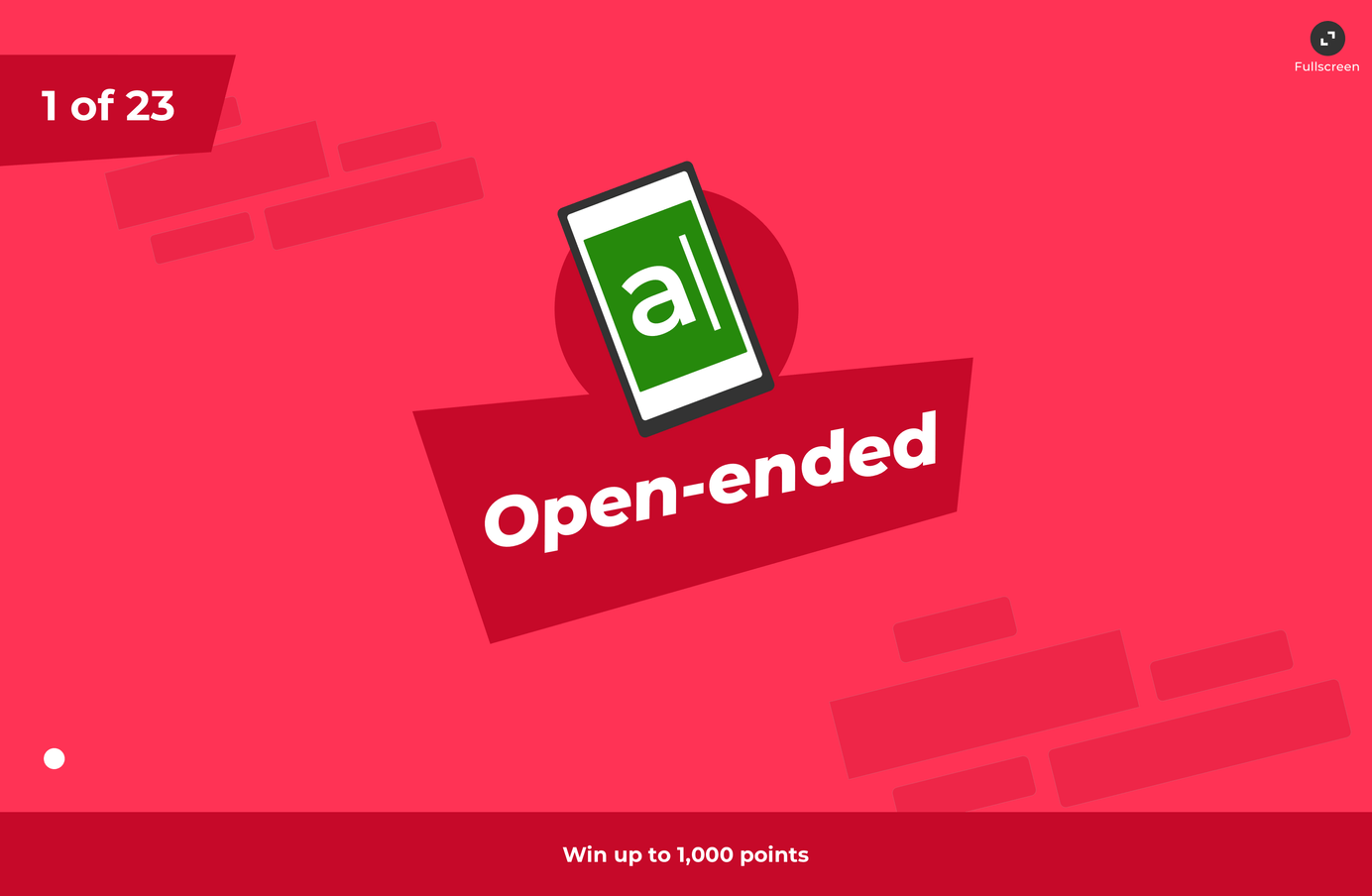
Kahoot! had always asked players to choose from answers on screen. Open-ended questions let teachers test recall instead. I designed the player input and host results experience for a game that can include up to 2,000 people at once.
My Approach
I led the design of the feature, from typing an answer on a phone to revealing results on the host screen. The challenge was to add a slower, more thoughtful question type without losing the pace and character of a Kahoot! game. I tested both interactions through prototypes and user sessions.
Exploration
Open-ended answers take longer than multiple choice. Players need time to think, type, and check for mistakes, so the existing rhythm could not simply carry over.
How might we create a consistent user experience throughout the game?
Designing text input UI
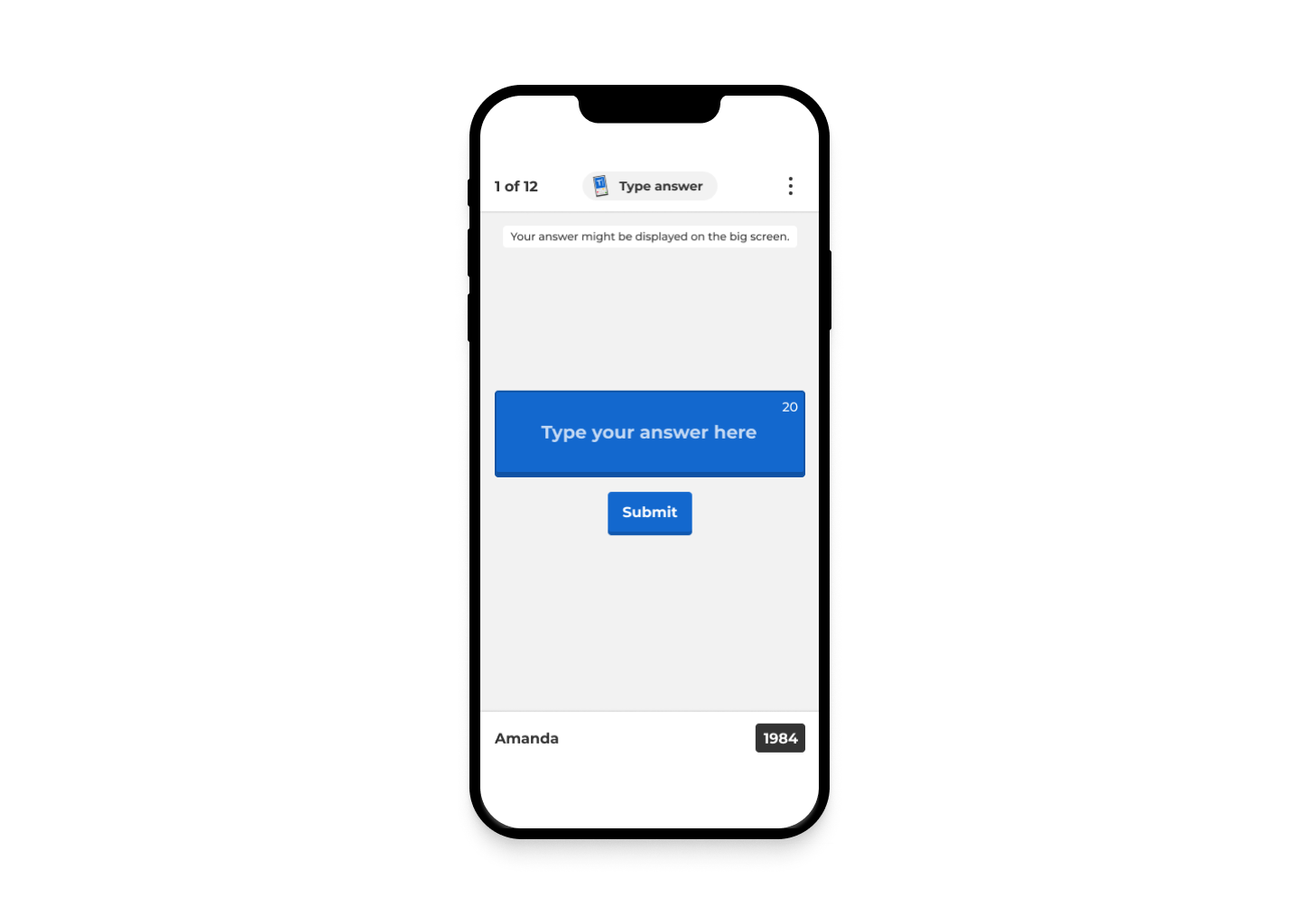
The open-ended question is the first game type in Kahoot! where players need to type to answer. In the beginning, I focused on the design of the keyboard. I thought that launching a mobile phone keyboard during a Kahoot! game might hijack the experience. To keep it consistent, we wanted to show Kahoot!‘s four colour blocks on this new text input UI.
I also looked at Drops’ UI for inspiration. Drops doesn’t use a mobile phone keyboard for text input; instead, it has a custom-made one that provides only the letters users can guess. For example, if the answer is ‘Amazon,’ the keyboard shows a group of letters containing A, M, A, Z, O, and N.
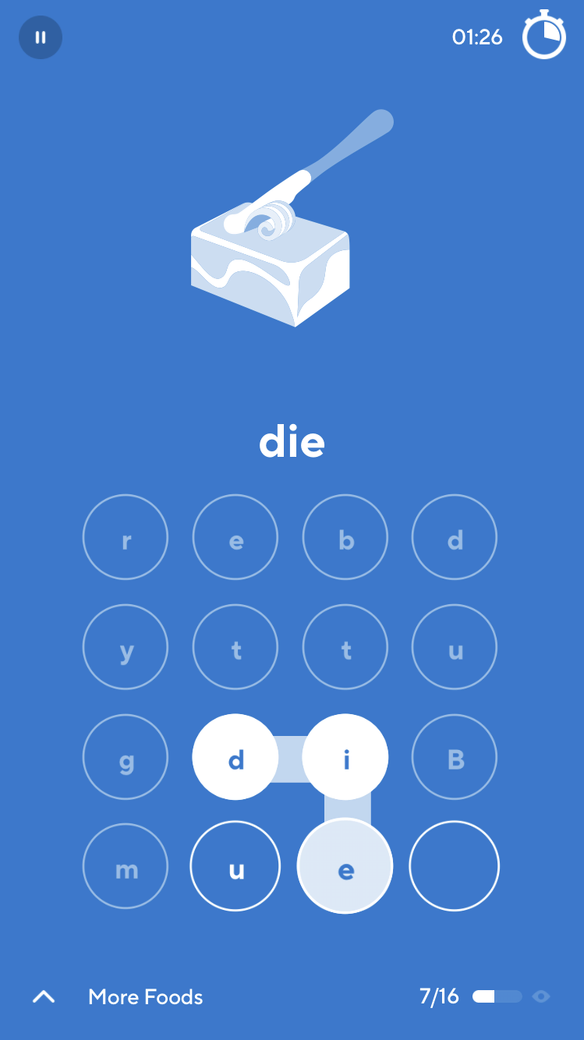
I made a keyboard prototype and showed it to people in the office. My first impression was that people looked puzzled and were not confident about what to do. Why could they only see a limited number of letters? Why did they need to connect the letters by dragging? Why couldn’t they tap on each letter like a ‘normal’ keyboard?
The custom keyboard also introduced a technical cost. Before each question, the system would have to send its letter set to every phone in a game, sometimes up to 2,000 devices. The interaction was unfamiliar and the implementation was heavy, so we chose the standard system keyboard instead.
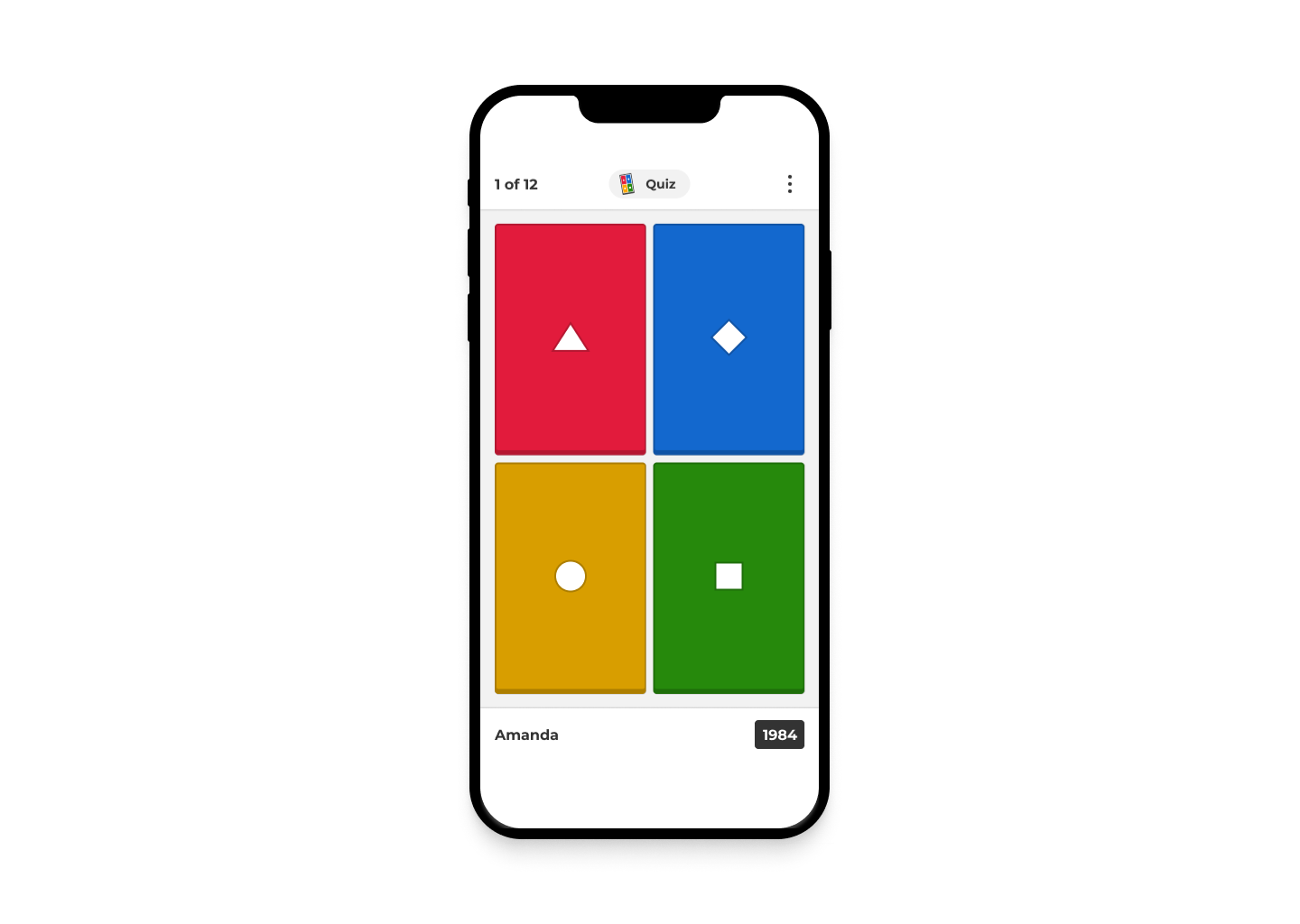
We kept Kahoot!‘s four colour blocks behind the input. Players could type in a familiar way while the screen still looked and felt like part of the game.
The host’s screen
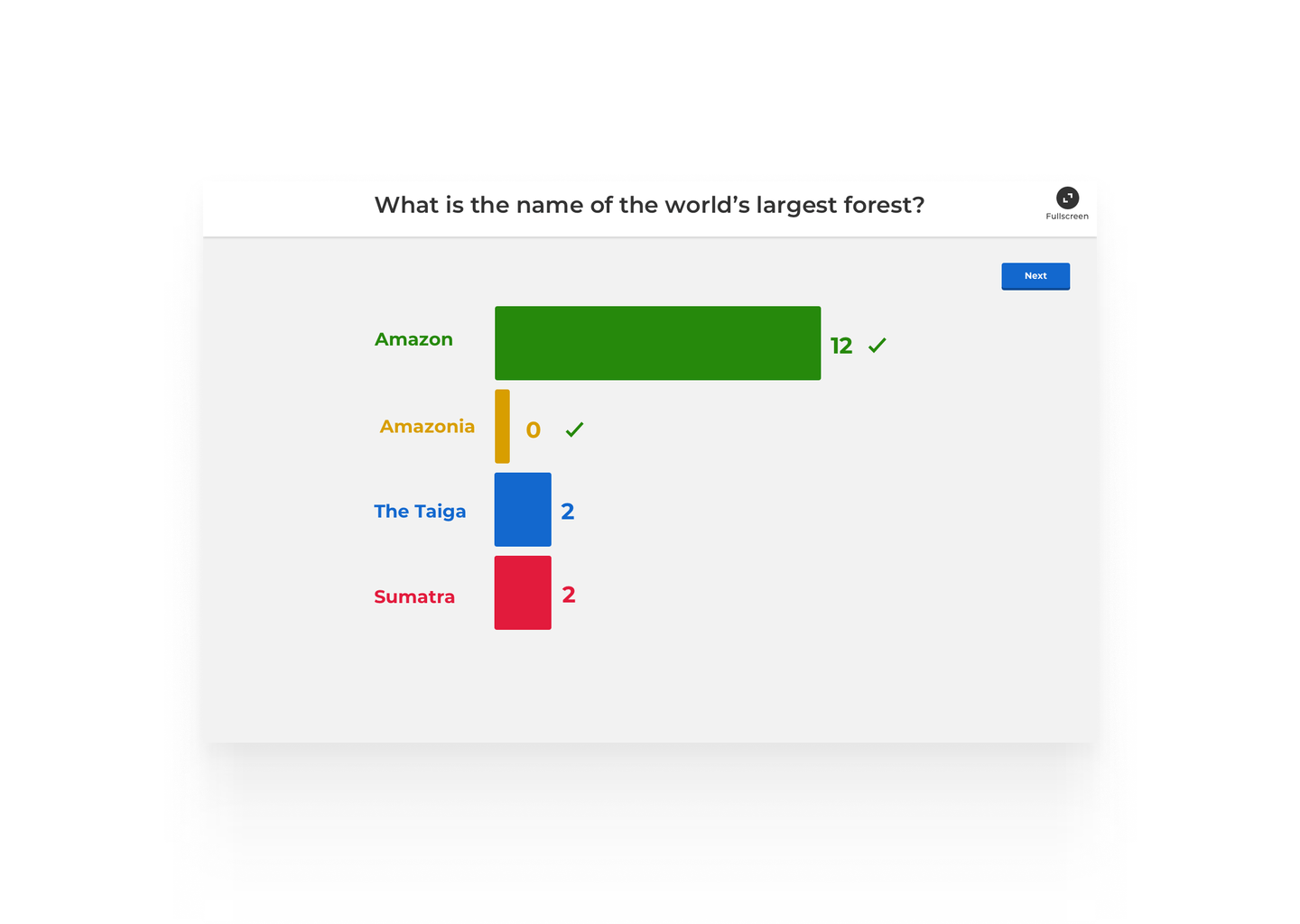
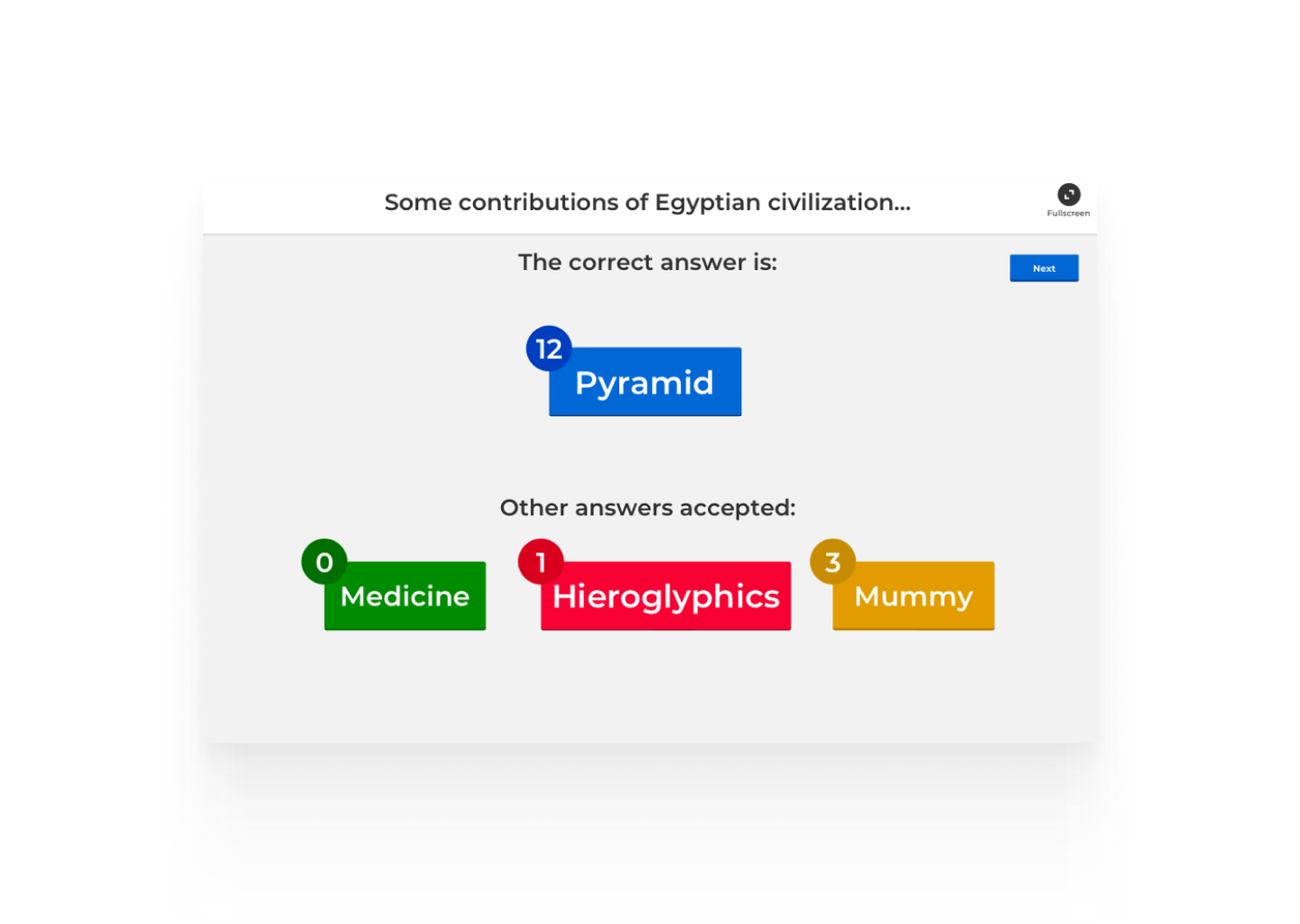
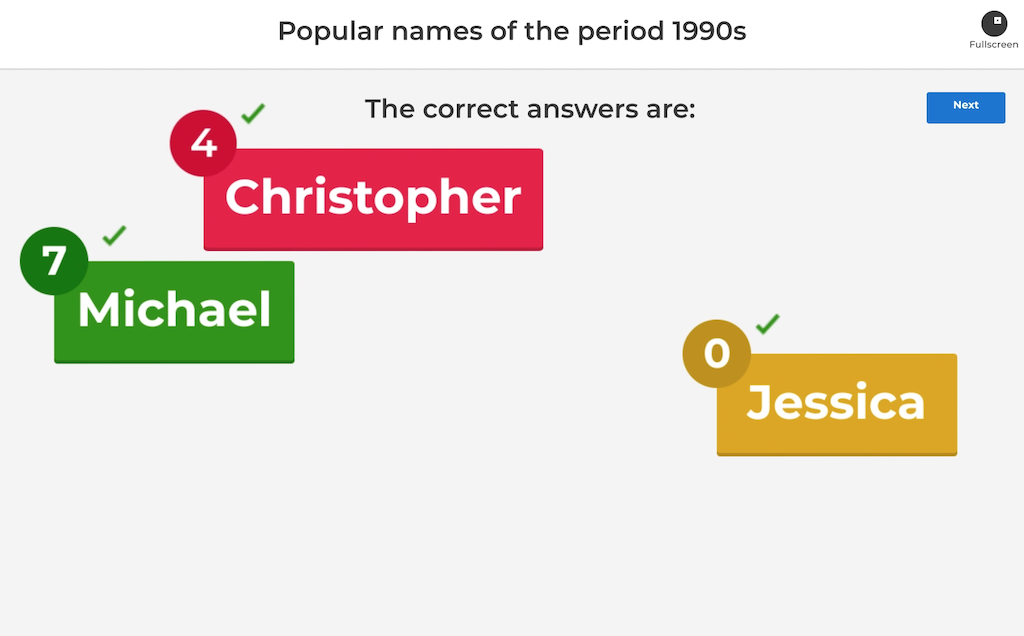
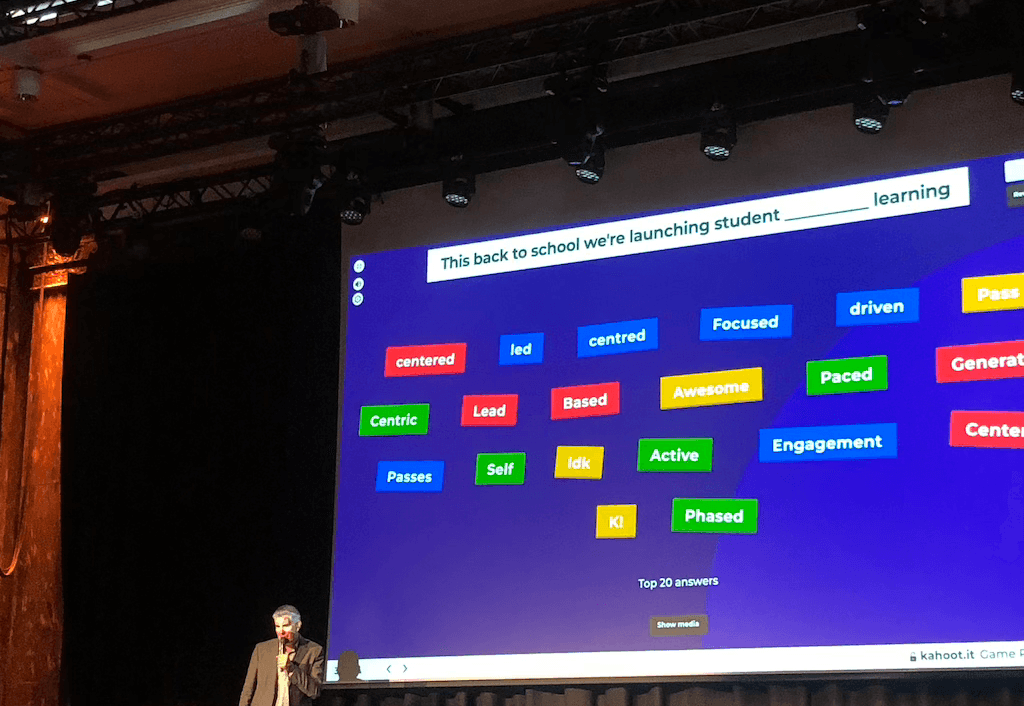
After submitting an answer, players used to wait on a blank screen. We used that pause to show all submitted answers on the host screen, giving the group something to react to before the result appeared.
Seeing their own answers on the shared screen built anticipation. We extended that moment of suspense before revealing the result.
I made animation prototypes in Adobe After Effects and reviewed them with designers and developers. In the final “Cliffhanger” sequence, all answers appear and begin to shake. Incorrect answers fall away until three remain. Those three grow as they compete for space, then the correct answer takes the screen.